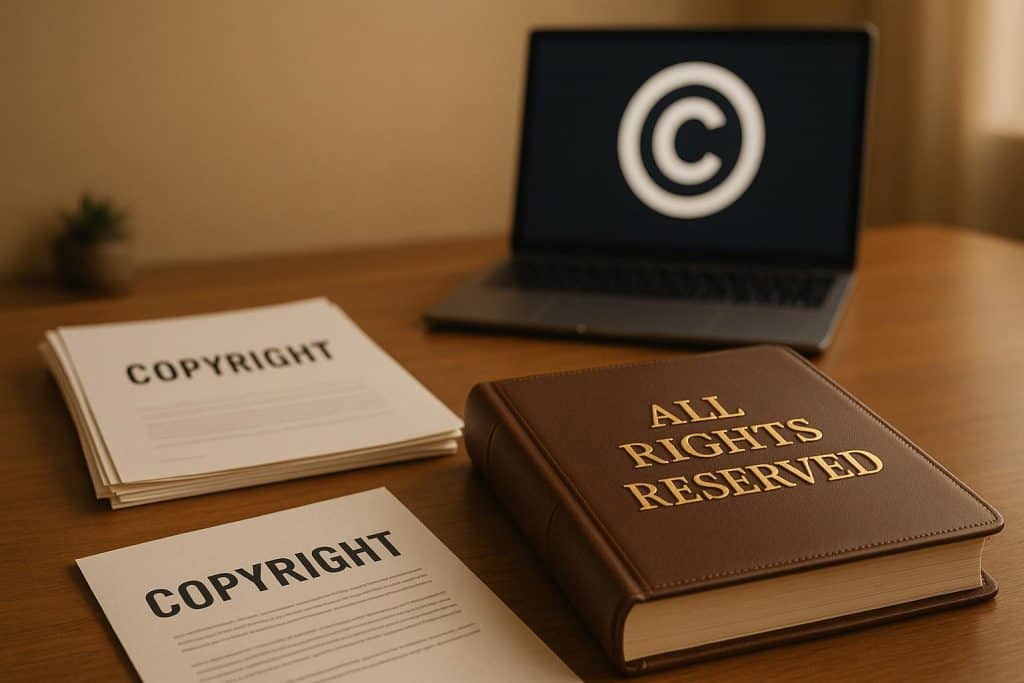
Short answer: “All rights reserved” means the copyright owner keeps every right the law gives them in a work: the rights to copy, distribute, display, perform and adapt it. Nobody else can use the work without permission. In the US today, the phrase has no legal force of its own. Copyright protection is automatic, and the parts of a notice that count under US law are the © symbol, the year and the owner’s name.
Businesses still print “All rights reserved” on websites, books, software and marketing materials because it tells readers the work is not free to reuse. This guide covers what the phrase means, where it came from, what protects your business’s work and how to write a correct copyright notice.
All Rights Reserved at a Glance
| Question | Answer |
|---|---|
| What it means | The owner keeps all copyright rights and grants none to the public |
| Is it legally required? | No. US copyright protection is automatic once a work is fixed in a tangible form |
| Where it came from | The 1910 Buenos Aires Convention, which required a statement reserving rights |
| What a US notice needs | © (or “Copyright”), the year of first publication and the owner’s name |
| What protects you in court | Registration with the U.S. Copyright Office |
| What it does not cover | Ideas, names, slogans and short phrases |
What Does “All Rights Reserved” Mean?
Copyright gives the owner of an original work a bundle of exclusive rights. Under US law, those rights are to reproduce the work, prepare derivative works, distribute copies, and perform and display the work publicly. “All rights reserved” states that the owner keeps every one of those rights and has not licensed any of them to the public.
In practice, the phrase tells readers three things:
- The work belongs to the named owner.
- You need permission to copy, republish or adapt it.
- The owner has not released it under an open license.
For example, a footer that reads “© 2026 Acme Consulting LLC. All rights reserved.” tells visitors that Acme Consulting LLC owns the site’s text, images and design and does not allow reuse without permission.
Where the Phrase Comes From
“All rights reserved” comes from the Buenos Aires Convention of 1910, a copyright treaty among the US and several Latin American countries. The treaty protected a work in every member country as long as the work carried a statement that its rights were reserved.
The phrase lost its legal purpose once every member of the Buenos Aires Convention also joined the Berne Convention, which protects works automatically with no notice or formality. The US joined Berne in 1989. The last Buenos Aires member to join Berne was Nicaragua in 2000. Since then, the phrase has been a convention of style, not a legal requirement.
Does “All Rights Reserved” Protect Your Work?
Not by itself. Your work is protected by copyright law from the moment you create it and fix it in a tangible form, such as a saved file, a printed page or a recording. Writing “All rights reserved” adds no extra legal protection.
The phrase does three useful things:
- It deters copying. People are less likely to reuse content that carries a clear ownership notice.
- It supports your copyright notice. A correct US notice defeats an infringer’s claim that they did not know the work was protected, which affects the damages a court awards.
- It separates your work from openly licensed work. It tells readers the content is not under a Creative Commons or similar license.
The step that gives you real enforcement power is registration. In the US, you must register a US work with the Copyright Office before you sue for infringement. You qualify for statutory damages and attorney’s fees only if you registered before the infringement started or within three months of first publishing the work. Read more in our guide to copyright law basics for entrepreneurs.
How to Write a Copyright Notice
A US copyright notice has three parts:
- The symbol or word: ©, “Copyright” or “Copr.”
- The year of first publication: for a website, use the launch year and the current year, such as 2019-2026.
- The owner’s name: your LLC or corporation’s legal name if the business owns the work.
“All rights reserved” is optional and goes at the end.
Copyright Notice Examples
| Use | Example |
|---|---|
| Website footer | © 2019-2026 Acme Consulting LLC. All rights reserved. |
| Ebook or report | Copyright © 2026 Acme Consulting LLC. All rights reserved. No part of this publication may be reproduced without written permission. |
| Software | © 2026 Acme Software LLC. All rights reserved. |
| Sound recording | ℗ 2026 Acme Records LLC |
| Open content | © 2026 Acme Consulting LLC. Some rights reserved. Licensed under CC BY 4.0. |
How to Type © and ℗
- © on Mac: press Option + G.
- © on Windows: hold Alt and type 0169 on the number pad.
- ℗ (sound recording copyright): in Microsoft Word, type 2117 and press Alt + X. In HTML, use ℗.
All Rights Reserved vs. Some Rights Reserved vs. No Rights Reserved
| Phrase | What the owner allows | Common use |
|---|---|---|
| All rights reserved | No use without permission | Business websites, books, software, paid courses |
| Some rights reserved | Use under the terms of a license, such as a Creative Commons license that requires credit | Blogs, open education, photography shared with credit |
| No rights reserved | Any use, with no conditions (CC0 public domain dedication) | Stock images, datasets, templates |
What Copyright Does Not Protect
“All rights reserved” covers only what copyright covers. It does not protect:
- Business names, product names and slogans. Protect these with a trademark. See how to trademark a business name.
- Logos as brand identifiers. Copyright protects the artwork, and a trademark protects the logo as your brand. See how to trademark a logo.
- Ideas, methods and systems. Copyright protects how you express an idea, not the idea. Inventions need a patent, and confidential methods need NDAs and trade secret practices.
- Short phrases and titles. The Copyright Office does not register them.
For a side-by-side comparison, read trademarks, patents and copyrights.
Who Owns the Copyright in Your Business’s Work?
The name in your notice must be the actual owner, and ownership depends on who created the work:
- Employees: work an employee creates within the scope of the job is a work made for hire. Your LLC or corporation owns it.
- Freelancers and agencies: the freelancer owns the copyright unless you sign a written assignment, or the work falls into one of the categories the law allows as a commissioned work made for hire and you both sign an agreement saying so. Put an assignment clause in every contractor agreement for logos, websites, copy and code. See independent contractor vs. employee.
- Owners: if you created the work before forming your LLC, assign it to the LLC in writing so the business owns what it sells.
Copyright lasts for the author’s life plus 70 years. For a work made for hire, it lasts 95 years from publication or 120 years from creation, whichever ends first.
Where to Place the Notice
- Website: in the footer of every page.
- Books, ebooks and reports: on the copyright page, after the title page.
- Software and apps: on the About screen, in the license file and in source code headers.
- Videos and courses: on the opening or closing frame and in the description.
- Marketing materials and templates: at the bottom of the last page.
FAQs
What does it mean to say “all rights reserved”?
It means the copyright owner keeps every right in the work, including the rights to copy, distribute, display and adapt it. Nobody else can use the work without the owner’s permission.
Can I say all rights reserved without registering a copyright?
Yes. Copyright protection is automatic in the US once you create an original work and fix it in a tangible form, so you can use the phrase and a © notice without registering. You need registration before you can sue for infringement over a US work.
Is “all rights reserved” legally required?
No. The phrase was required under the 1910 Buenos Aires Convention, but it lost its legal effect once every member of that treaty joined the Berne Convention. A US copyright notice needs only ©, the year and the owner’s name.
What year should a copyright notice show?
Use the year the work was first published. For a website you update over time, use a range from the launch year to the current year, such as © 2019-2026.
How do you type ℗?
℗ is the sound recording copyright symbol. In Microsoft Word, type 2117 and press Alt + X. In HTML, use ℗.
Does “all rights reserved” protect my business name?
No. Copyright does not protect names, slogans or short phrases. Register a trademark with the USPTO to protect your business name and logo as brand identifiers.