Package theft is a delivery problem first. If a box never lands on your porch, a thief has nothing to grab.
I’d sum it up like this: a virtual mailbox sends your mail and packages to a staffed street address instead of your home, gives you alerts, and lets you choose whether to scan, store, forward, or pick up each item. That cuts the risk that comes with boxes sitting outside during work hours, after store closing, or at empty homes.
Here’s the short version:
- Porch piracy happens after delivery, when a package is left outside and taken.
- A virtual mailbox moves delivery to an indoor receiving location.
- You get email or app notices when mail or packages arrive.
- You can read scanned mail online, hold items, ship them later, or pick them up.
- Setup usually means choosing a plan, filing USPS Form 1583, passing ID checks, and updating your shipping addresses.
- This works well for remote workers, founders, and frequent travelers who are not always home.
- Compared with cameras, lockboxes, signature service, and workplace delivery, a virtual mailbox deals with the main issue: packages left out in the open.
A few facts make the problem clear: package theft affects millions of U.S. homes each year, and losses run into billions of dollars. In many cases, the weak spot is simple: the package sits outside, unattended, and easy to see.
Quick Comparison
| Method | Stops porch drop-off? | Main upside | Main downside |
|---|---|---|---|
| Virtual mailbox | Yes | Mail is received indoors and managed online | Monthly fee plus shipping fees for forwarded items |
| Video doorbell/camera | No | Records theft and may scare off some people | Box can still be taken |
| Porch lockbox | Sometimes | Keeps some deliveries inside a locked box | Driver has to use it, and size can be a problem |
| Signature required | Usually | Hand-off to a person | Missed deliveries can happen |
| Workplace delivery | Yes | Staff may receive packages for you | Depends on employer rules |
If I wanted the plain answer, it would be this: the safest way to stop porch piracy is to stop using your porch as the delivery point.
sbb-itb-ba0a4be
How a Virtual Mailbox Keeps Packages Off Your Porch
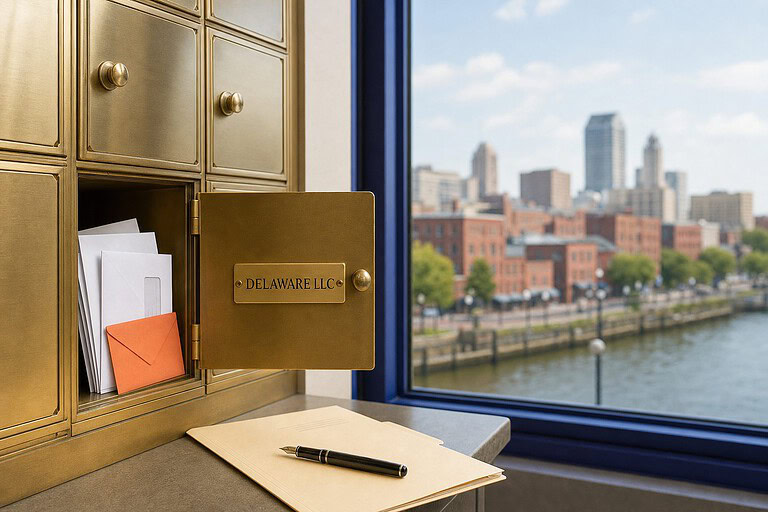
A virtual mailbox gives you a staffed U.S. street address where mail and packages are received indoors. Instead of boxes sitting outside your home, deliveries go to a facility where staff take them in and log them for you.
That simple shift matters. Once a package is off your porch, you get to decide what happens next.
From Delivery to Online Notification: How the Process Works
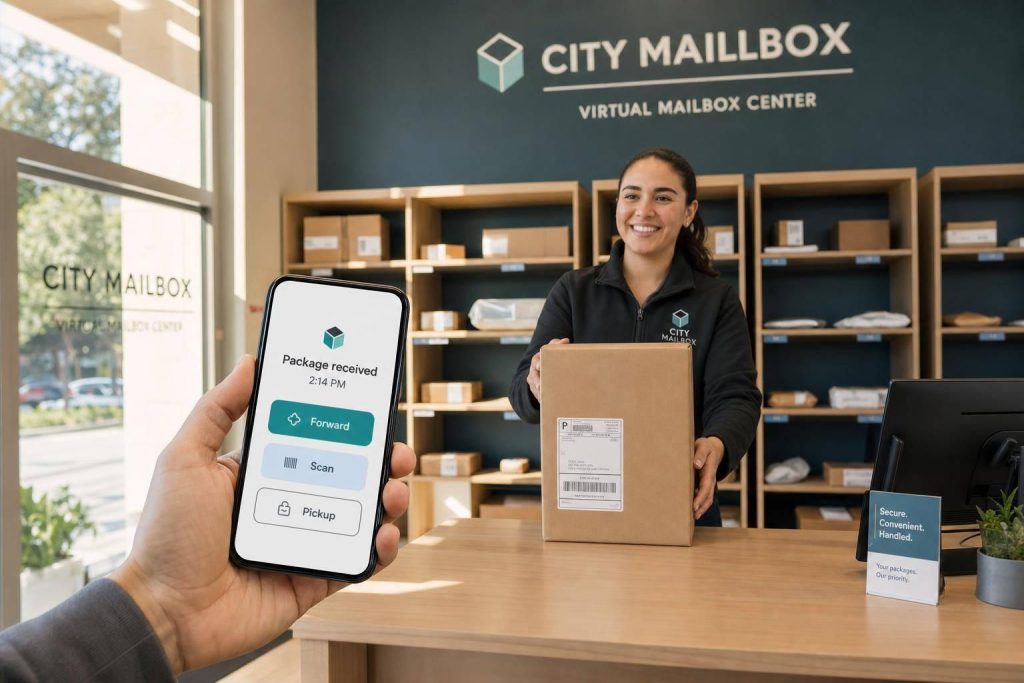
After you share the address with retailers, the process is pretty straightforward. A carrier delivers the item to the facility, staff accept it in person, and the delivery is logged in your online dashboard. Then you get an email or app alert letting you know it arrived.
The key point is this: the package stays indoors from delivery through logging.
Scanning, Forwarding, Storage, and Pickup: Your Handling Options
Once you get the alert, you choose how the item should be handled. That level of control is one of the many benefits of a virtual mail address that cuts down theft risk.
Your main options are:
- Scan: Staff can open and scan mail so you can read documents online.
- Forward: Ask for an item to be shipped to your current location, whether that’s your home, hotel, or office.
- Store: Leave the item at the facility until you need it.
- Pickup: Pick it up yourself when the timing works for you.
Those controls make setup the next step that matters.
How BusinessAnywhere Fits Into This
BusinessAnywhere offers virtual mailbox plans with unlimited mail and package handling, unlimited scanning, and worldwide forwarding. Since the address is a commercial street address, it works with major carriers like UPS, FedEx, and USPS.
How to Set Up a Virtual Mailbox to Stop Package Theft
Once you know a virtual mailbox can keep packages off your porch, the next move is simple: get the address set up and start sending deliveries there.
Pick the Right Plan and Mailing Address
Start with the basics. How many people need access to the mailbox? BusinessAnywhere starts at $20/month and uses flat-rate pricing per recipient.
The address itself matters too. You want a commercial street address that looks legitimate and works for carrier delivery. It should also fit your business needs, not just look good on paper.
Complete Verification and Update Your Delivery Details
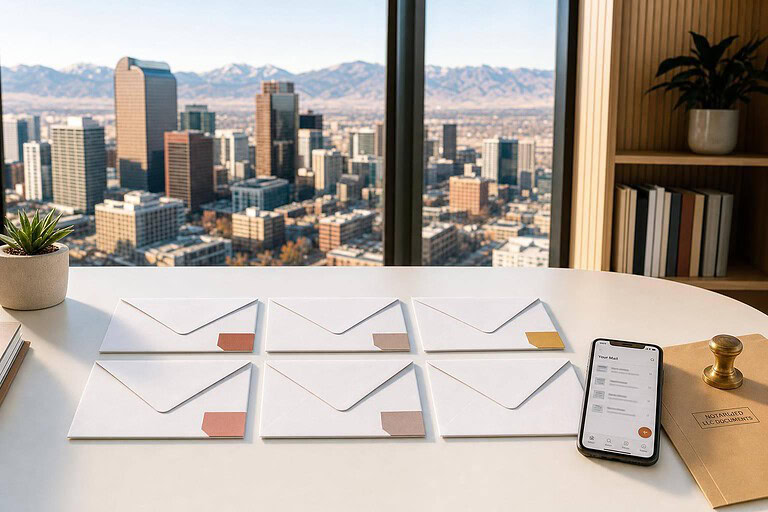
After you choose a plan, you’ll need to complete USPS Form 1583. This form gives permission for a mail agent to handle your mail and packages. It’s a legal requirement, and it must be notarized before it’s valid. Many providers now offer online notarization, which can make setup much easier.
Once that part is done, update every account that might still send mail or packages to your home. That usually includes:
- Online retailers
- Subscription services
- Your bank
- State business registration
- Insurance providers
- Vendors
When those accounts point to the new address, deliveries stop landing on your home porch.
Turn On Alerts and Test the Full Delivery Flow
As soon as your dashboard goes live, switch on real-time notifications. That way, every package arrival triggers an email or app alert right away, so you can act fast.
Then do a quick test before sending anything important. Place a small, low-value order to the new address and make sure the alerts, package intake, and forwarding instructions all work as expected.
Once that test goes through, you can start using the mailbox for day-to-day package control.
How to Use Virtual Mailbox Features for Safer Day-to-Day Deliveries
Review Mail Digitally Before Deciding What to Forward
Once alerts are turned on, fold the mailbox into your daily routine. Check the dashboard each day and forward only the items that need to go out.
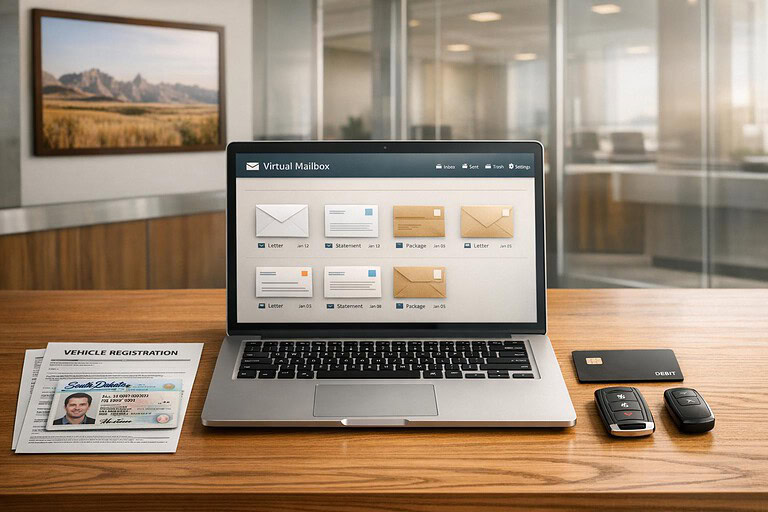
If something matters – like a contract, an IRS notice, or a vendor invoice – request a full content scan and read it that same day without handling the physical copy. Junk mail can be shredded. Non-urgent mail can stay in storage. Only request forwarding for what genuinely needs to move.
That simple habit does two things at once: it cuts shipping costs you don’t need to pay, and it keeps important mail from bouncing from one address to another.
In plain English, you’re sorting mail before it travels. That’s a lot safer than sending everything and hoping it lands in the right hands.
Forward Packages Only When Someone Can Receive Them
Only forward a package when someone can physically receive it. Before you send anything, make sure you, a team member, or a trusted contact will be there during the delivery window.
For high-value items, add signature confirmation so the carrier can’t leave the package unattended. If you have more than one item, combine them into a single shipment and send it to a staffed address where someone can sign for it.
Less movement usually means less risk. Fewer shipments also mean fewer chances for theft.
Who Benefits Most: Remote Workers, Founders, and Frequent Travelers
Some people get more out of this setup than others.
- Remote workers who split time between home and coworking spaces can send confirmed-receipt items – like a repaired laptop or a signed contract – to a staffed location on a day they know they’ll be there. Everything else can stay stored until it’s needed.
- E-commerce founders can use the mailbox as a steady hub for supplier shipments and sensitive business mail. They can combine stock, send it to a fulfillment center or short-term workspace on their own timeline, and have tax mail and merchant account notices scanned right away.
- Frequent travelers and digital nomads often forward mail once a week or every two weeks. Time-sensitive documents can go to a trusted place, such as a CPA’s office or a family member’s address, timed for when someone can sign. Non-urgent items stay in secure storage instead of sitting at short-term stops.
For people without a stable address, that level of control helps keep important items from being left at places where no one is watching.
Virtual Mailbox vs. Other Anti-Theft Methods: A Direct Comparison
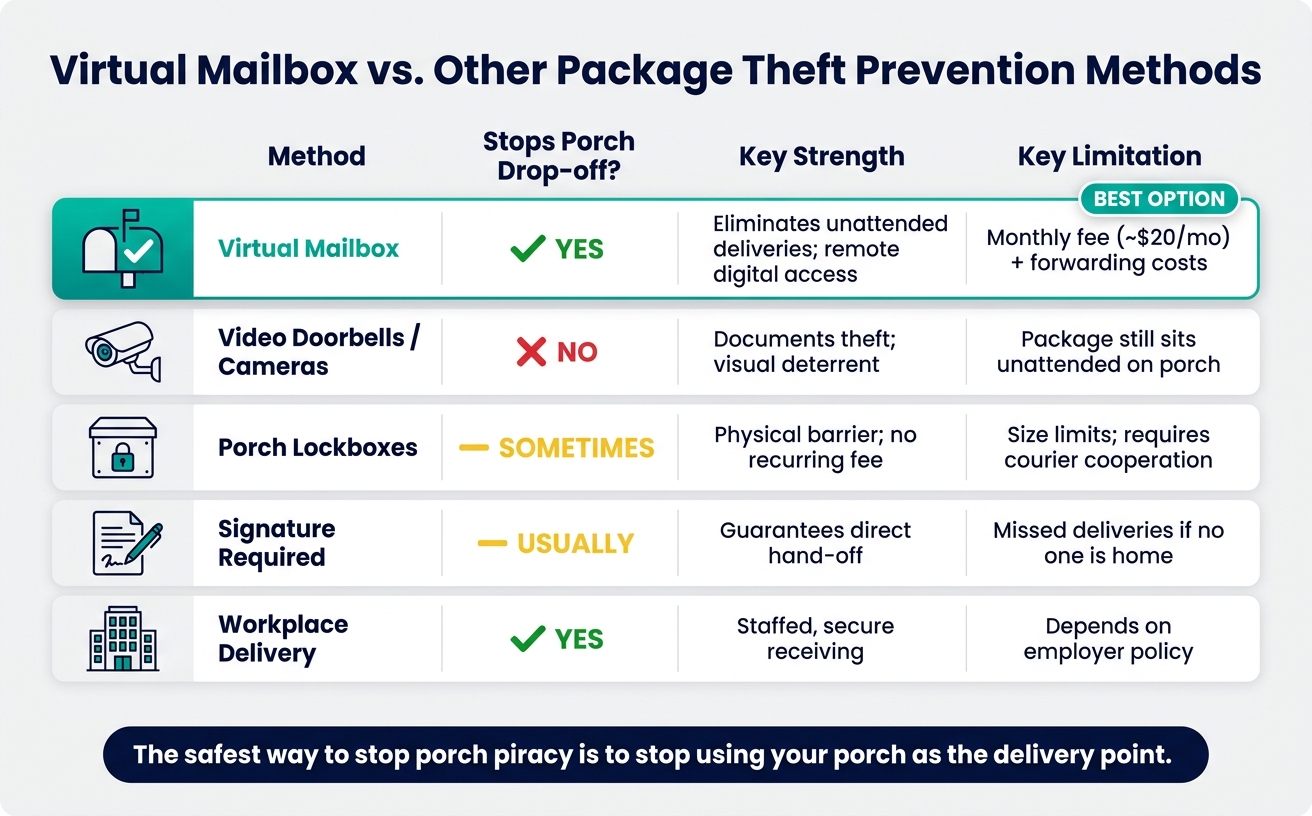
Virtual Mailbox vs. Other Package Theft Prevention Methods
Comparison Table: Virtual Mailbox, Cameras, Lockboxes, Signatures, and Workplace Delivery
Most anti-theft tools kick in after a package shows up. A video doorbell may record the theft. A lockbox helps only if the courier actually uses it. And signature-required delivery can still turn into a missed delivery when nobody’s home.
A virtual mailbox works differently. It takes the porch out of the route altogether. Mail and packages go through a simple flow: receive, notify, scan, forward, or hold. That means there’s no gap where a package sits outside waiting to be taken. The porch never becomes the delivery point.
Use the table below to compare the best virtual mailbox services with other common anti-theft options and see why it stops the problem instead of just showing you what happened.
| Method | How It Works | Strengths | Limits | Best Use Case |
|---|---|---|---|---|
| Virtual Mailbox | Mail and packages go to a staffed commercial address and are managed digitally via an app | Eliminates unattended deliveries; accepts packages from major couriers; remote access to mail | Monthly subscription fee; forwarding costs for physical items | Remote workers, digital nomads, business owners |
| Video Doorbells/Cameras | Records motion at the doorstep and sends alerts to your phone | Helps document theft; acts as a visual deterrent | Does not stop theft; packages still sit unattended on the porch | General home security and monitoring |
| Porch Lockboxes | A secure, bolted-down box on the porch where couriers leave items | Physical barrier; no monthly fee after purchase | Size limits; requires courier cooperation; can be expensive to install | Suburban residents with high package volume |
| Signature Required | Carrier holds the package until a person is present to sign | Guarantees a direct hand-off; no risk of porch piracy | Can lead to missed deliveries if no one is home; causes delays | High-value items like electronics or jewelry |
| Workplace Delivery | Packages ship to your employer’s office address | Secure, staffed receiving | Depends on employer policy | Office-based employees |
Key Takeaways for Safer Mail and Package Handling
If a tool still leaves your package on the porch, it still leaves a theft window. That’s the core issue.
A virtual mailbox gives you more control through:
- Real-time alerts
- Mail scanning
- On-demand forwarding
- Secure storage
For remote workers, business owners, and frequent travelers, that control matters. You decide when and where mail is received, instead of hoping a package stays put until you get home. For people in those situations, a virtual mailbox is often the most practical way to manage deliveries.
FAQs
Can I use a virtual mailbox for online shopping deliveries?
Yes. A virtual mailbox gives you a real street address for online shopping deliveries, which means it can accept packages from major carriers, not just USPS.
When a package arrives, you get a notification in your online dashboard. From there, you can choose to have it forwarded to your current location or held for pickup.
That makes it a solid option for:
- Remote workers
- Travelers
- E-commerce businesses
If you move around a lot or run an online store, this setup makes package handling a lot easier.
Do all carriers deliver to a virtual mailbox address?
Yes. A virtual mailbox gives you a real street address where you can receive mail and packages from major carriers, including USPS, FedEx, UPS, and DHL.
That matters because a virtual mailbox isn’t limited like a standard PO Box. It can accept deliveries from multiple couriers, which makes it a better fit if you get both regular mail and shipped packages.
It also adds a layer of security. Instead of leaving deliveries unattended at your home, your mail and packages go to a physical location for pickup or handling.
What if I need a package right away?
If you need a package right away, you can handle it from your secure online dashboard. As soon as it reaches the facility, you’ll get an instant notification.
From there, you can request on-demand forwarding to your current location or set up an in-person pickup. That way, you stay in control of time-sensitive deliveries no matter where you are.