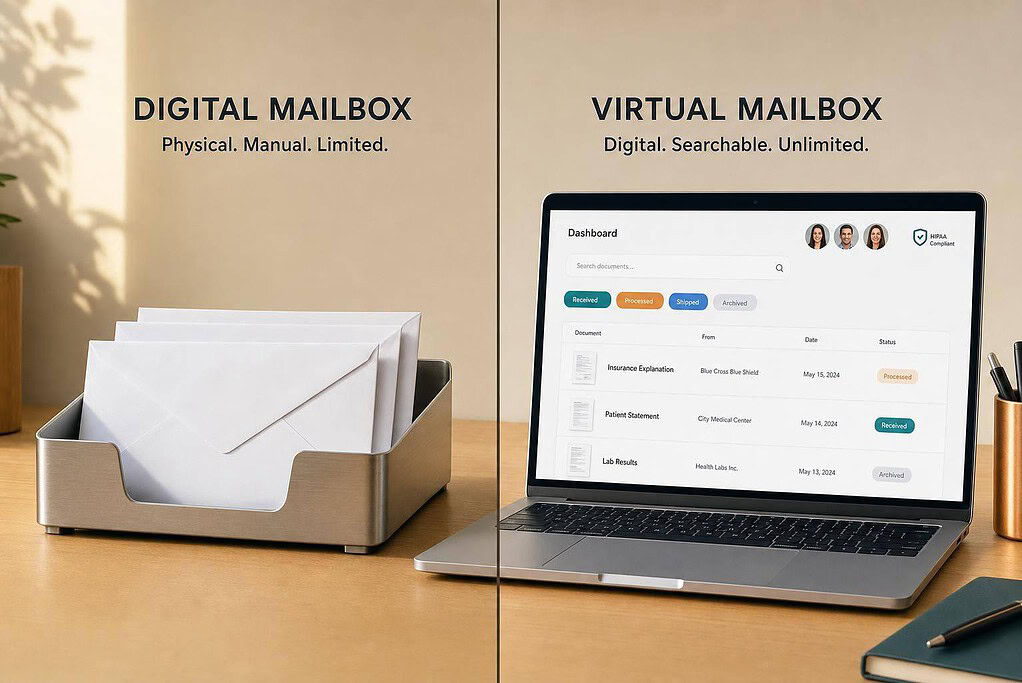
In most cases, a virtual mailbox and a digital mailbox are almost the same service. You get a real U.S. street address, your mail is received there, and you view scans online. The main split is simple: a digital mailbox usually adds search, OCR, storage, and team document tools on top of basic mail handling.
If I were picking one, I’d focus on what you need it for:
- LLC formation: make sure the service gives you a real street address, not a P.O. Box
- Remote work or travel: check scan timing, mail forwarding, package support, and online access
- Checks and paperwork: confirm check deposit, content scans, and storage fees
- Legal notices: use a registered agent vs virtual mailbox setup, because a mailbox service does not replace one
- USPS setup: expect to file USPS Form 1583, which must be notarized
A few facts matter here. The article points out that scan turnaround of 24–48 hours is a solid target for urgent mail. It also notes that banks, payment providers, and state filings often want a street address, not a P.O. Box. And if your team needs shared access, searchable PDFs can save time fast.
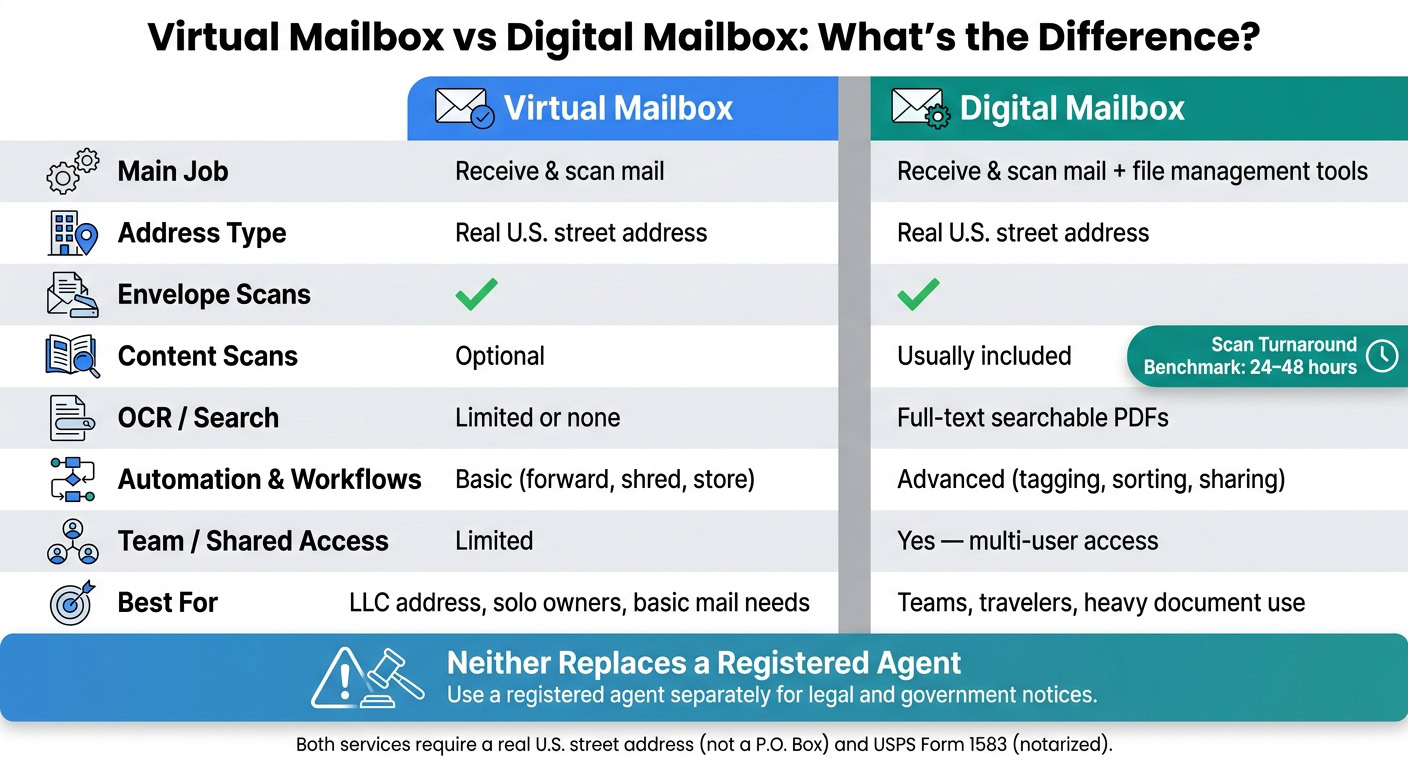
Quick Comparison
| Criteria | Virtual Mailbox | Digital Mailbox |
|---|---|---|
| Main job | Receive and scan mail | Receive and scan mail, plus file tools |
| Address type | Real U.S. street address | Real U.S. street address |
| Envelope scans | Yes | Yes |
| Content scans | Often optional | Often included |
| OCR/search | Limited or none | Usually included |
| Storage | Physical mail and some cloud storage | Physical mail and more document storage |
| Workflows | Basic actions like forward, shred, store | More sorting, tagging, sharing |
| Best for | LLC address, solo owners, basic mail needs | Teams, travelers, heavier document use |
| Registered agent replacement | No | No |
My short take: if you just need a business mailing address and mail forwarding, (which works by redirecting your mail to a central hub) a virtual mailbox is often enough. If you also want searchable records, shared access, and tighter document handling, a digital mailbox is the better fit.
That’s the whole article in plain English: ignore the label, compare the features.
Digital Mailbox vs Virtual Mailbox: Definitions and Key Differences
When both services use a real street address, the main difference comes down to how much they do with your mail after it arrives.
What a Virtual Mailbox Includes
A virtual mailbox handles the basic physical-to-digital process. When mail shows up, you get an envelope scan so you can see what arrived. Then you choose what happens next: open and scan the contents, forward the physical mail, shred it, or store it.
It also handles packages, so you can decide whether to keep them in storage or send them elsewhere. Many providers offer check deposit too.
You can use a virtual mailbox address for banks, clients, vendors, and public business listings like your website or Google Business profile. It works as a mailing address or principal business address. But it does not replace a registered agent address.
That matters because a digital mailbox starts with this same setup and then adds more tools on top.
What a Digital Mailbox Adds on Top
A digital mailbox includes everything a virtual mailbox offers, then adds tools for search and file handling. OCR turns scanned PDFs into text-searchable files. Documents may also be tagged, sorted into categories, and archived so they’re easier to find later.
Some services also connect scanned mail to cloud storage or send it straight into accounting software and team tools.
In plain terms, a digital mailbox is better if you need to find, sort, and share documents without digging around. Every digital mailbox is a virtual mailbox, but not every virtual mailbox gives you that extra layer of digital document control.
Where the Two Terms Overlap in the Market
Providers often use these terms like they mean the same thing. That’s why it’s smarter to compare features instead of relying on the label.
Here’s a quick side-by-side look:
| Feature | Virtual Mailbox | Digital Mailbox |
|---|---|---|
| Content Scanning | Optional/Standard | Standard (often with OCR) |
| Search | Basic (by date/sender) | Advanced (searchable PDF content) |
| Storage | Physical & Cloud | Physical & Cloud (long-term) |
| Automation | Limited | High (tagging, workflows) |
Before you sign up, check the fine print on USPS Form 1583, package limits, storage fees, check deposit, and international forwarding.
How Each Service Works in Practice
After the feature comparison, the next thing to look at is how the service works day to day.
From Mail Delivery to Your Online Dashboard
Your mail and packages go to a real U.S. street address run by a Commercial Mail Receiving Agency (CMRA), not a P.O. Box. From there, you log into your dashboard, review what came in, and decide what happens next: forward it, shred it, or keep it in storage.
Before you can start, you need to complete USPS Form 1583. This form gives the CMRA permission to receive your mail, and it must be notarized. Some providers make this easier by offering online notarization.
Handling Checks, Packages, and Urgent Documents
Once mail shows up in your dashboard, the big things are speed and handling rules.
If you expect checks or time-sensitive mail, check the deposit and scanning process before you sign up. For packages, make sure the service can accept parcels and forward them to wherever you are. For urgent documents, scan turnaround can make a big difference. 24–48 hours is a practical benchmark.
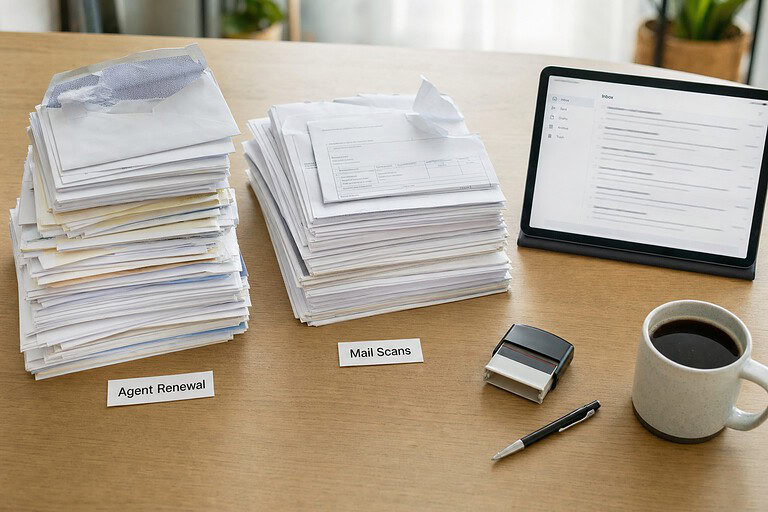
Use a separate registered agent service for legal and government notices.
What to Check Before Signing Up
| What to Check | Why It Matters |
|---|---|
| Scan turnaround | Faster processing helps you deal with urgent documents sooner |
| Mail screening | Saves time and helps you avoid scan charges for mail you don’t need |
| Package support | Check that the service can receive parcels and forward them to your current location |
| Address use | Confirm the address works for banking, payment providers, and Google Business Profile verification |
These details tell you if the service will match your daily business mail flow.
sbb-itb-ba0a4be
Which Option Fits LLC Formation, Remote Work, and Travel
Once you understand how these services work, the next step is picking the workflow that matches your business. The biggest split is simple: basic mail handling vs. deeper document management.
Best Fit for LLC Formation and Ongoing Compliance
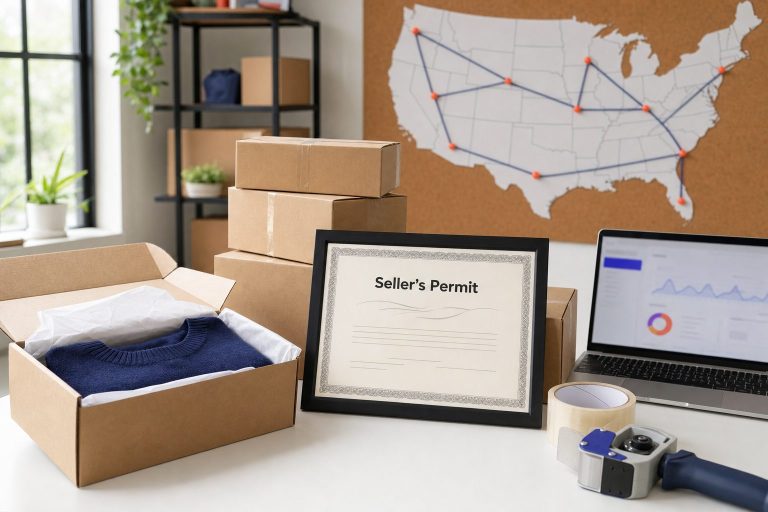
If your main goal is getting a compliant U.S. business address, this is the place to start. For LLCs, use a virtual mailbox as your day-to-day business address, and use a registered agent for legal and government notices.
A virtual mailbox also helps with email marketing compliance. It meets the CAN-SPAM Act rule that commercial emails include a valid physical postal address.
Best Fit for Digital Nomads, Expats, and Frequent Travelers
If you’re on the move a lot, speed of access matters more than plain mailbox features. A digital mailbox makes more sense when instant document access is the top need.
You keep one stable U.S. address while your physical location changes. That can matter for banking, payment processors, and official correspondence. It’s a bit like having a fixed home base even when your suitcase is always half-packed.
"Virtual mailboxes have become one of the three essential tools for successful nomadic entrepreneurship, alongside secure internet access and cloud storage solutions." – BusinessAnywhere
When setting things up, look for a provider that offers online notarization for USPS Form 1583. If you’re already outside the United States, handling that step remotely can save a lot of time.
Best Fit for Small Teams and Remote Business Operations
If more than one person needs access to the same mail, shared access and search matter a lot. A digital mailbox lets your team view the same records from anywhere without mailing paper copies back and forth.
That cuts down on friction and helps everyone work from the same documents.
How to Choose and Where BusinessAnywhere Fits In
A Simple Decision Rule
At this point, the choice is pretty simple: look at how you deal with mail every day. Focus on three things: the type of address you get, how much document handling comes with the service, and whether compliance tools are built in or sold as add-ons.
A basic virtual mailbox handles your mail. A digital mailbox usually goes further, with better search, storage, and sharing.
If you want all of that in one setup, BusinessAnywhere puts mail and compliance in the same place. It combines a virtual mailbox, registered agent, LLC formation, EIN, and compliance tools in one dashboard. It also helps to check the pricing model before you sign up. Some services charge a flat monthly rate, while others tack on per-scan or per-page fees.
Key Takeaways to Remember
- Compare features, not labels. "Digital mailbox" and "virtual mailbox" often mean the same thing in practice. What matters is how much document handling you get.
- Use a mailbox service for mail; use a registered agent for legal notices. Those are two different needs.
- Both services must provide a real U.S. street address, not a P.O. Box. Banks and state agencies often reject P.O. Boxes for LLC formation and account opening.
FAQs
Do I need a registered agent too?
Yes. If you formed an LLC or corporation in the U.S., you need a registered agent. That person or service receives legal papers and government notices for your business and must be available at an in-state address during normal business hours.
A virtual mailbox does a different job. It handles day-to-day mail, like scanning letters, forwarding mail, and receiving packages. But it does not replace your registered agent address.
You can use both at the same time. One covers legal and state mail. The other helps with regular business mail.
Can I use this address for my LLC?
Yes – you can use a virtual mailbox address as your LLC’s business mailing address for general mail and day-to-day correspondence.
But you can’t use it as your registered agent address.
For LLC compliance, you still need a registered agent with a physical in-state address who’s available during normal business hours to accept legal documents. A virtual mailbox is for mail handling only, and it must be tied to a USPS-registered CMRA and USPS Form 1583.
How fast is mail scanned?
Mail is usually scanned and uploaded to your online dashboard within 24–48 hours after it arrives.
That means you can often view scanned items in that time frame, then choose forwarding, storage, or document download right from your dashboard.