If I live on a boat, the simplest fix for mail is one stable street address plus online mail control.
Without that, I can miss tax notices, bank mail, insurance renewals, DMV letters, vessel records, and business filings. A virtual mailbox solves that by giving me a U.S. street address, envelope scans, package receiving, mail forwarding, storage, and shredding in one place.
Here’s the short version:
- I get one fixed mailing address even if my boat moves.
- I can view mail online as soon as it arrives.
- I can choose what happens next: scan, hold, forward, or shred.
- I can receive packages from USPS, FedEx, UPS, and DHL.
- I can sort deadline-heavy mail first, like IRS, insurance, DMV, Coast Guard, and LLC notices.
- I should keep my old address active for 3–6 months during the change.
- I should turn on 2FA before using marina or public Wi‑Fi.
One point stands out: a marina address, a friend’s address, or a P.O. Box can work for a while, but they often fail when I need privacy, package delivery, or a street address that banks and agencies will take.
This article boils down to one idea: if I live afloat, my mail system needs to stay put even when I don’t.
The mail problems that come with living aboard
Your boat moves. Your mail doesn’t. It still wants one fixed place to land.
That’s why mail on a liveaboard boat becomes a reliability issue, not just a small annoyance. If the wrong piece goes missing, the problem can snowball fast.
Why marina, friend, or family addresses often fall short
A marina address can seem like the easy answer. In practice, it often isn’t. Many marinas won’t accept mail at all, and even when they do, items can get delayed or sent to the wrong place.
Using a friend’s or family member’s address can work for a while, but it depends on them staying on top of it. If they miss a forward, you might not see a jury summons, bank statement, or renewal notice until it’s too late. That can lead to delays, fees, or missed deadlines.
There’s also the privacy side of it. Sensitive mail passing through someone else’s hands means less security and less confidentiality. That may not matter for a holiday card, but it matters a lot for tax notices, banking documents, and insurance mail.
Some agencies and companies add another snag. Certain banks, insurers, and DMV offices want a physical street address vs. a mail-only address.
And there’s one more catch: USPS PO Boxes don’t accept FedEx or UPS deliveries. If you need boat parts or marine gear shipped by a private carrier, that becomes a real problem fast.
Missed mail is most damaging when it carries deadlines or legal notices
Some mail can sit for a week or two without much trouble. Other mail can’t.
| Document Type | Risk if Missed |
|---|---|
| IRS or state tax notices | Legal response deadlines |
| Bank statements and replacement cards | Fraud exposure or missed payments |
| Insurance renewal notices | Coverage lapse |
| Driver’s license renewals or DMV registration notices | Renewal delay |
| U.S. Coast Guard vessel documentation | Ownership record issue |
| LLC or registered agent correspondence | Compliance failure |
| Marina lease agreements | Slip or lease problems |
These aren’t the kind of notices that wait politely for your next stop. They come with clocks attached. A virtual mailbox helps by turning incoming mail into something you can check and manage from anywhere.
How a virtual mailbox works for mobile boaters
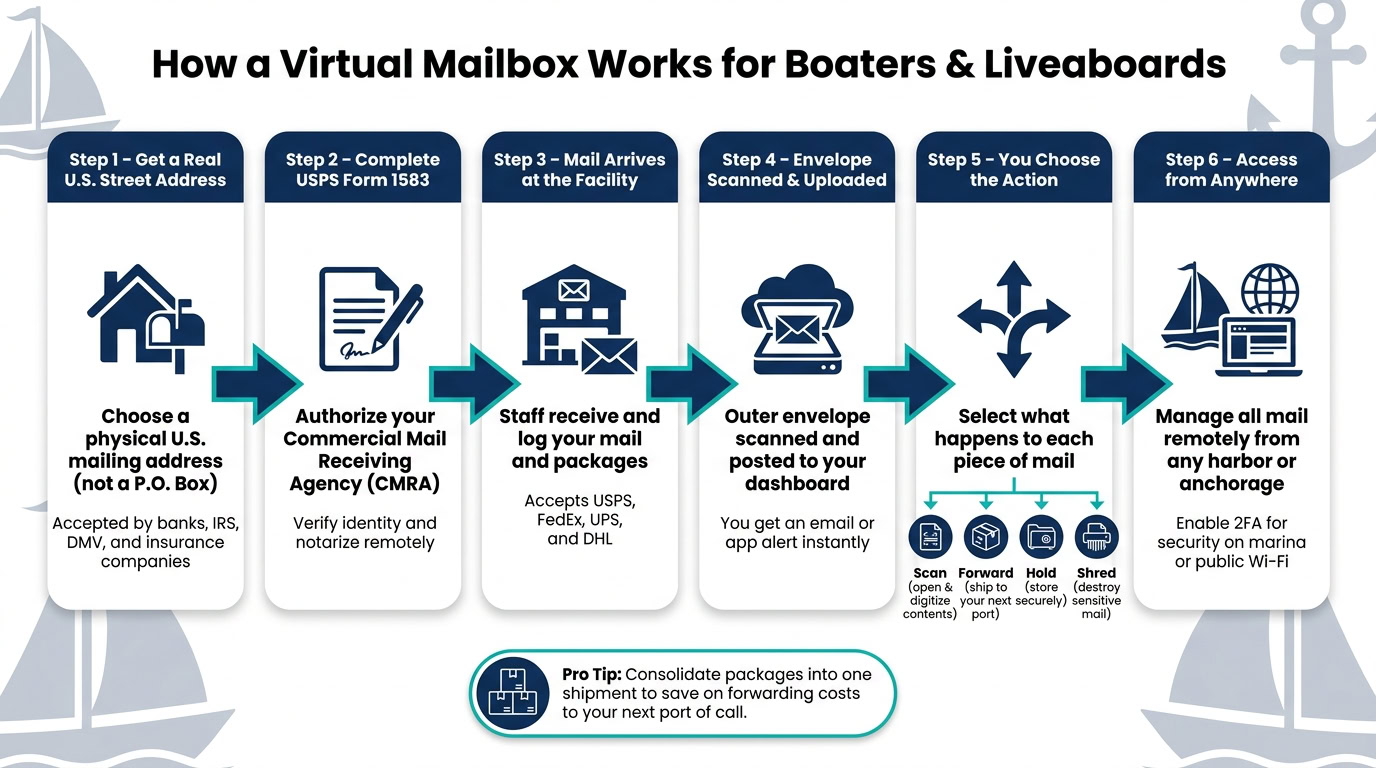
A virtual mailbox gives boaters one shore-based U.S. address that stays the same while the boat moves. That means your mail follows a steady system, instead of you scrambling to track it down from port to port. For the issues covered above – missed deadlines, shaky marina addresses, and lost notices – this is the most direct answer.
Set up a real U.S. mailing address and complete USPS authorization
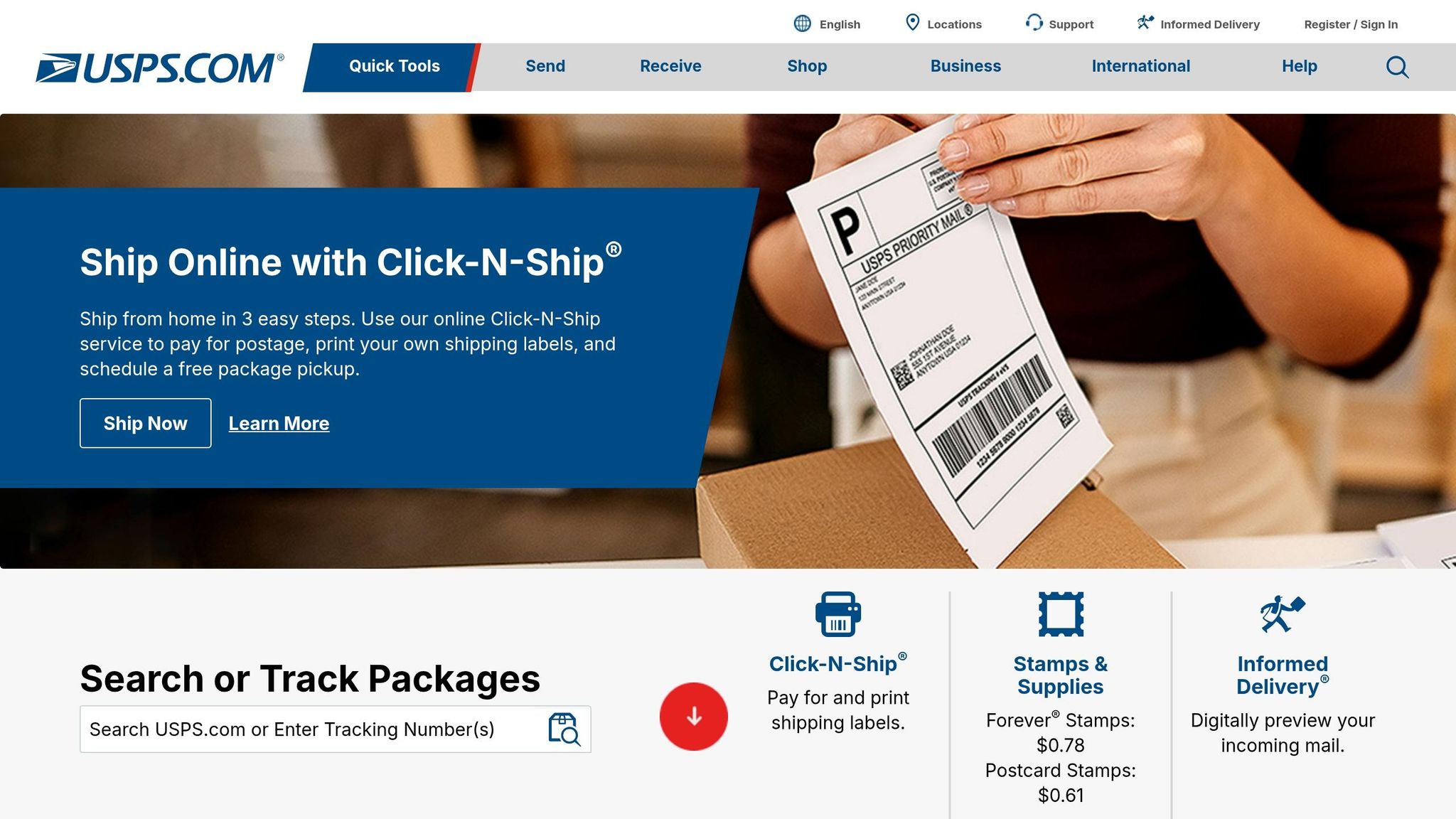
The setup is pretty simple. You choose a physical mailing address and complete USPS Form 1583, which is the legal form that lets a Commercial Mail Receiving Agency (CMRA) receive and handle mail for you. To turn the service on, you complete USPS Form 1583, verify your identity, and notarize the form remotely.
That street address can also work as your official mailing address for banks, insurers, and government agencies. That matters because many of them require a real street address – not a P.O. Box – for accounts, registrations, and tax records.
Scanning, forwarding, and package handling based on where the boat is
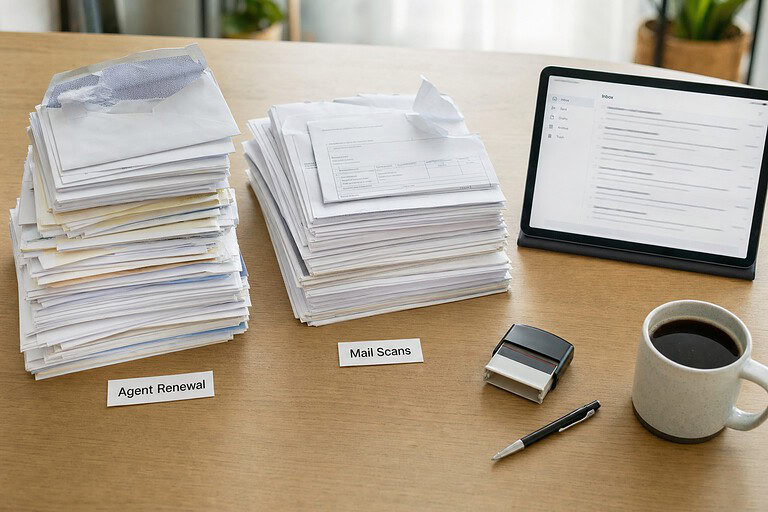
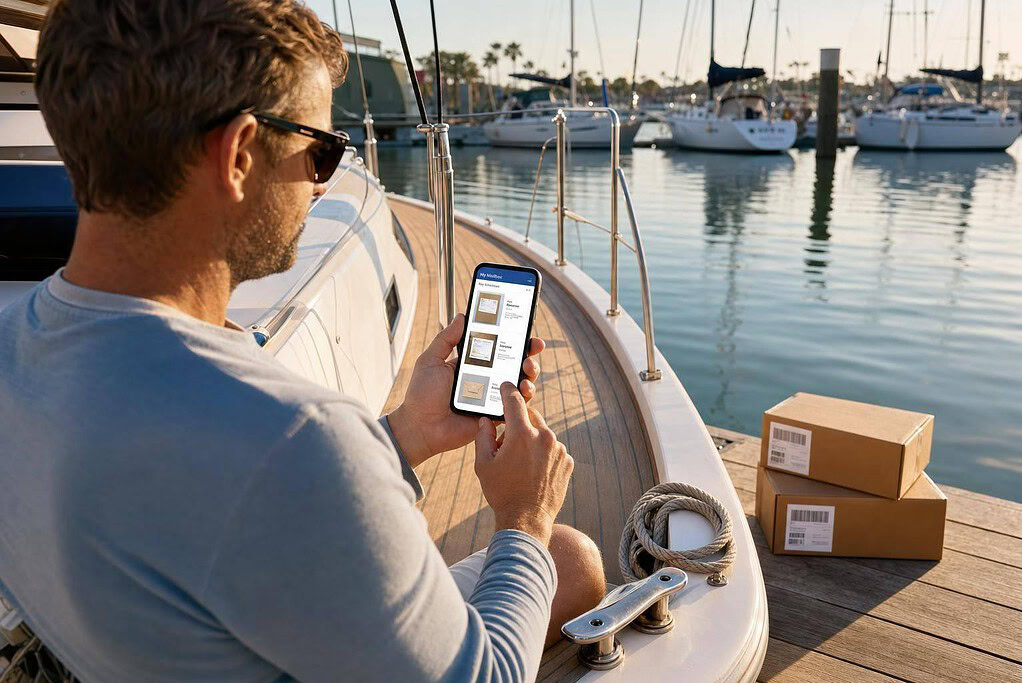
Once your address is live, the process is easy to follow. Mail arrives at the facility, staff scan the envelope, upload it to your dashboard, and wait for your instructions. You get an email or app alert, then choose what should happen next.
From the dashboard, you can scan, forward, hold, or shred each piece of mail. Many services also let you create automatic rules, like Auto-Scan or Auto-Shred, for certain senders.
"A scan of the outside of the envelopes allows you to select and flag individual pieces of mail as junk, sent, or to be opened and have the contents scanned." – Sher, Savvy Sailing Girl
Your virtual mailbox address can also receive packages from USPS, FedEx, UPS, and DHL. If you want to cut shipping costs, you can hold several packages at the facility and send them together in one consolidated shipment to your next port of call. The same setup helps keep personal, business, and compliance mail sorted in one place.
Using a virtual mailbox for personal, business, and compliance mail
Once your mailbox is live, use it for the mail that carries deadlines, legal stakes, or money risk.
At that point, the dashboard rules from the previous section do the heavy lifting. Sort each item by urgency so the stuff that matters most doesn’t sit there unnoticed.
Personal finance, insurance, and government correspondence
For most boaters, the mail with the most downside falls into three buckets: financial documents, government notices, and vessel paperwork. For statements, scan them first, save the PDF, and then shred the paper copy. Replacement debit or credit cards need a different approach. Those should be forwarded with tracked shipping to a confirmed marina address or held for pickup at a carrier hub.
IRS notices and tax mail need fast attention. If a notice comes in, get an immediate scan so you can check the deadline right away.
Insurance renewals and proof-of-coverage letters are usually simple to handle online. In most routine situations, digital copies are enough. If an original is required, keep that one aboard.
| Document Type | Recommended Action | Notes |
|---|---|---|
| Bank/Brokerage Statements | Scan & Shred | Scan, then shred. |
| Replacement debit or credit cards | Forward (Tracked) | Forward to a confirmed marina or carrier hub. |
| IRS and tax notices | Scan & Archive | Check deadlines immediately. |
| Insurance Renewals / Proof | Scan & Hold | Digital copies usually cover routine checks. |
| Vessel registration and Coast Guard documents | Scan & Forward | Keep any required original aboard. |
Business documents for LLCs, freelancers, and remote owners
If you run a business from the water, missed mail can turn into filing issues, tax trouble, or delays with client work.
That same mailbox can keep business mail from becoming a compliance mess. If you operate an LLC or freelance business while cruising, your virtual mailbox address can work for both personal and business mail. It gives you a real U.S. street address for the IRS, state agencies, and banks. It can also receive LLC mail and state notices, including annual reports and Secretary of State correspondence.
The mail you least want to miss is usually pretty predictable:
- Annual reports
- Secretary of State notices
- EIN-related correspondence
Set up instant notifications for anything from your state’s business division.
For contracts, invoices, and client documents, a scan is enough in most cases. Only forward the physical original when you need a wet signature or an official seal. Yacht captain Capt. Sam D. captures the practical reality well:
"As a yacht captain, I’m rarely in one place more than a few weeks. This service lets me stay on top of everything from contracts to crew mail."
- Capt. Sam D., 130ft M/Y
Some services can deposit physical checks into your U.S. bank account. If you’re a freelancer or small business owner still getting paid by paper check, that can save a lot of hassle.
sbb-itb-ba0a4be
Features to look for in a virtual mailbox for life afloat
Once you know how a virtual mailbox works, the next step is picking the features that make sense for life on the water. A boater doesn’t need the same setup as a home-based business owner. When you’re afloat, the big things are scanning, forwarding, storage, and package handling.
So the best option isn’t just easy to log into. It needs to be built for mail review, forwarding, and compliance while you’re moving from harbor to harbor.
The core features that matter most on the water
These are the features that matter most when your address has to work no matter where the boat is tied up.
| Feature | Benefit for Boaters and Liveaboards |
|---|---|
| Real U.S. street address | Accepted by banks, the IRS, the DMV, and insurance companies |
| Mail scanning / open-and-scan | Review mail from anywhere, even offshore |
| Worldwide forwarding | Sends mail to wherever the boat is next |
| Package handling | Receive parcels from major carriers at one shore address |
| Hold, archive, and shred | Hold mail until you’re ready to forward or pick it up, store scanned copies in a secure online archive, and destroy unwanted or sensitive mail on request |
| Check deposit | Deposit mailed checks into your U.S. bank account while away |
If you’re away from shore for long stretches, unlimited scanning matters a lot. It gives you a way to keep up with mail without waiting to get back on land.
After you cover those basics, the next thing to check is whether the service can also help with business compliance.
How BusinessAnywhere fits mobile living and business compliance
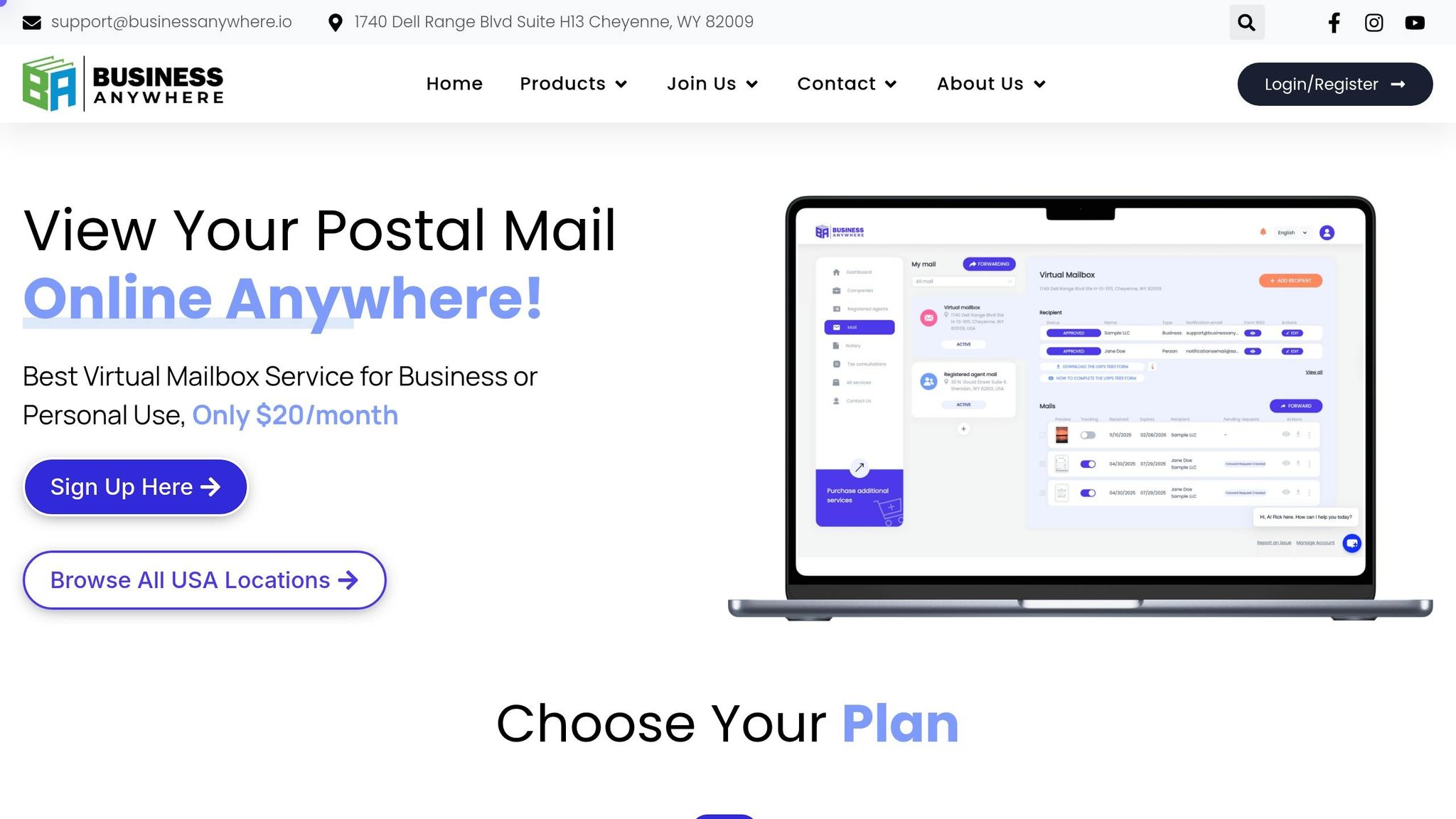
BusinessAnywhere’s virtual mailbox includes unlimited scans, unlimited mail and packages, storage, and worldwide forwarding. It also filters junk mail automatically, which helps keep your dashboard focused on the items that need action.
For liveaboards who also run an LLC or freelance business, the bigger draw is the compliance stack. BusinessAnywhere also offers registered agent service, EIN application support, online notary, compliance support, and existing company maintenance. That makes it easier to keep business paperwork in one place instead of juggling separate services.
It also separates mailing address use from registered agent requirements. That’s a big deal for anyone running an LLC from the water. You need both a mailing address and a separate registered agent for service of process. A good setup keeps those jobs clearly split while still letting you handle everything from anywhere.
A practical setup plan for boaters using a virtual mailbox
Once your virtual mailbox is live and USPS Form 1583 is notarized, start updating the places that matter most: your bank, insurance provider, the IRS, and the DMV. Do this as you move between marinas or anchorages. It also helps to keep your old address active for 3–6 months during the switch, so any stray mail still has somewhere to land before you cut ties for good.
After that, the goal is simple: set a few clear mail rules so things don’t pile up while you’re underway.
Default handling rules: scan, hold, forward, or shred
Give each type of mail a default action. That way, you don’t have to make a new decision every time something shows up.
- Scan immediately anything from the IRS, your bank, insurance companies, or any government agency. If you’re on the move, digital access makes it much easier to stay on top of deadlines.
- Hold originals like titles, notarized contracts, and wet-signature documents in secure storage.
- Forward in batches to save on postage before your next port. Before you place a forward request, check with the marina or harbor master to make sure they accept packages.
- Shred junk mail and any sensitive mail you’ve already digitized.
If your mailbox service supports direct check deposit, turn it on for incoming checks. It’s one less paper item to deal with when you’re out on the water.
You should also enable two-factor authentication (2FA) on your dashboard. Marina Wi-Fi is handy, but it isn’t secure. A strong password plus 2FA gives your account a much better layer of protection no matter where you log in.
Conclusion: staying reachable without a fixed address
With those rules in place, the setup usually takes very little day-to-day work. For boaters and liveaboards, that’s the whole point: one stable address, one mail process, and fewer missed notices. Your legal, financial, and business mail stays within reach wherever the boat goes.
The water moves. Your mail can stay fixed.
FAQs
Can I use a virtual mailbox as my legal address?
Yes – if it provides a real physical street address, not a P.O. Box. These addresses are often accepted for banking, insurance, business registration, and some government and tax purposes.
That said, rules can change by state and by institution. So before you sign up, check that the provider follows USPS CMRA regulations and that the address works for your specific legal or residency needs.
How do I get packages delivered to my boat?
Use a virtual mailbox to get packages delivered while you travel. It gives you a real street address on land that can accept deliveries from major carriers.
When a package arrives, you can log into your online dashboard and ask the service to forward it to your next marina, port, or dock. Many services also offer package consolidation, which means they combine multiple items into one shipment to help cut postage costs.
What mail should I scan instead of forward?
Choose scan instead of forwarding when you need fast access to a document and don’t want to wait for physical shipping.
Scanning works best for time-sensitive or important mail, such as bank statements, government notices, insurance documents, and business paperwork. It lets you view the contents from anywhere, while cutting paper clutter and shipping costs.